.jpg?command_1=resize&width_1=860&height_1=860)

Head’s Lines: Finding Joy in Challenge
That all changed in the fall of 2024, when Aaron, an expert fabricator, joined Park’s faculty as the Makerspace educator. These days, rather than aiding professional designers, Aaron assists a different kind of creative visionary: Park students.
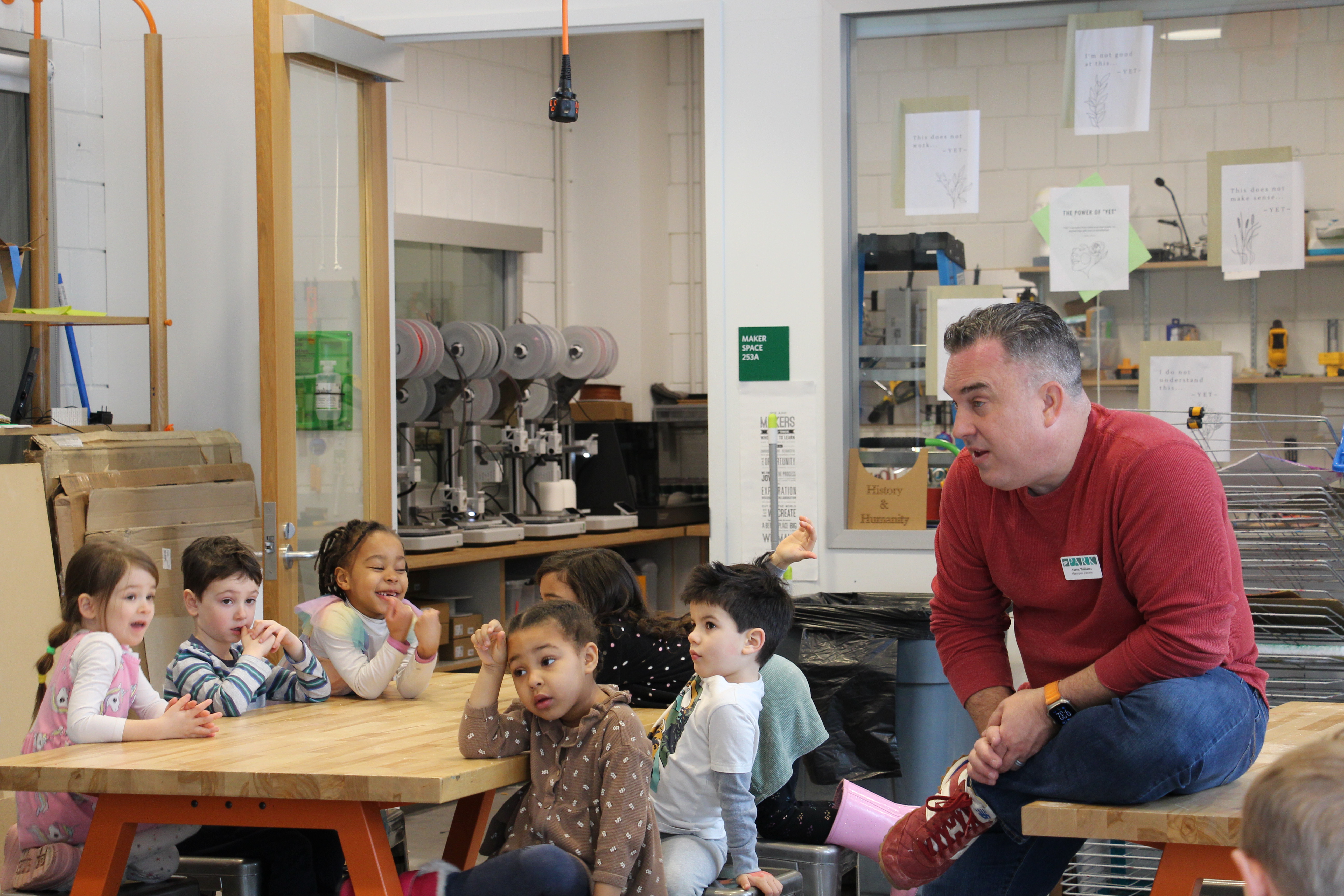
Park’s Makerspace is the gorgeous, state-of-the-art hub of STEAM activity, which parents may have peeked into while awaiting their turn in the Lower Division carpool line. It’s the place with a floor-to-ceiling glass wall overlooking the lush foliage of campus; and it’s brimming with the equipment young makers need to create and problem-solve their hearts out.
Five 3D printers and a slew of laser and vinyl cutters top the list of sought-after tools which students can take advantage of under Aaron’s expert instruction. Not to mention lower-fi, classic materials like loads of cardboard, popsicle sticks, PVC pipes, and duct tape.
Part of an educational paradigm that gained momentum in the mid-aughts, makerspaces prioritize hands-on, project-based, collaborative learning. In makerspaces, students are encouraged to follow their own creativity and to pursue complex undertakings that require multi-step planning and revision.
Practically speaking, this can take shape in many forms. Each week, a rotating group of Grade 3 and 4 students visits the Makerspace to build and create during recess. A recent project: using a popular “button maker” machine to make personalized pins.
Entire classes will periodically pop into the Makerspace to undertake team-based challenges, such as building a bridge out of 10 sticks of spaghetti and a piece of tape. Additionally, Park educators can tap Aaron to support their curricula. For example, one English teacher tasked students with creating 3D-printed symbols from the book The Outsiders.
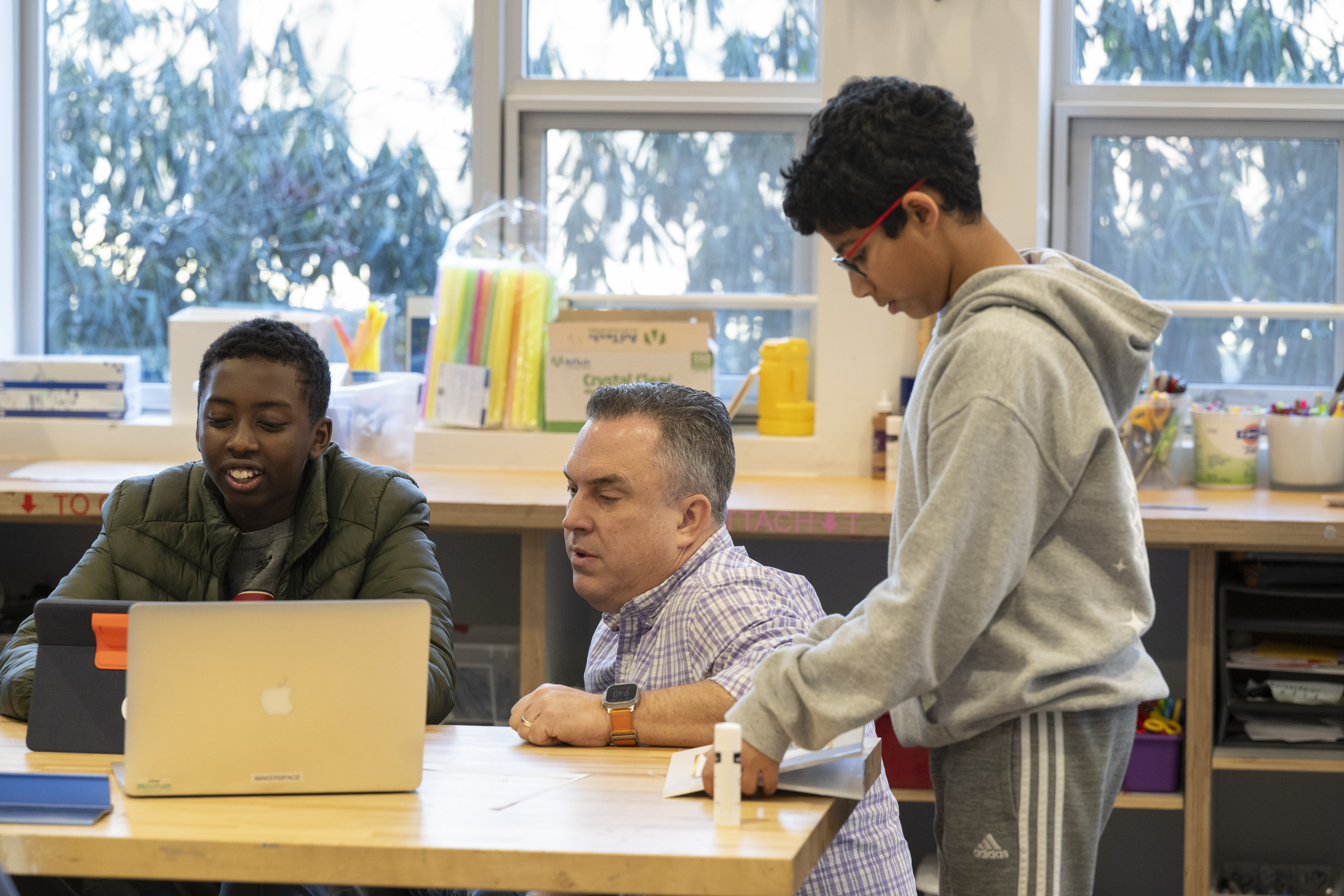
As kids transition into the Upper Division, comfort in the Makerspace gained in early years pays off as they level up to highly sophisticated projects. Grade 6 students can opt in to a Makerspace elective in which they master independent use of professional-grade printers and cutters. Grade 7 and 8 students can take a Future Tech class, co-taught by Aaron and EdTech Integrationist Eileen Zhang, in which they fly drones, experiment with augmented and virtual reality, and gain fluency in on AI literacy.
“We want to introduce students to emerging technology to prepare them for secondary school,” Aaron explains.
With this goal of foundational tech knowledge in mind, a contingent of Park educators from the Makerspace, Library, Art, and Technology departments meets regularly to strategize.
“We all have skills that we teach that are so overlapping,” Aaron says of the working group, which has taken on the acronym MALT. “Why not get together and plan strategically?”
By collaborating as a team, MALT offers students coordinated interdisciplinary support, often within the context of a single project. For example, when students in David Perry’s social studies class are tasked with designing their own monument, they begin their project researching under the guidance of the library staff. Next, they sketch a design in art class. Then, finally, they build a facsimile of the monument in the Makerspace.
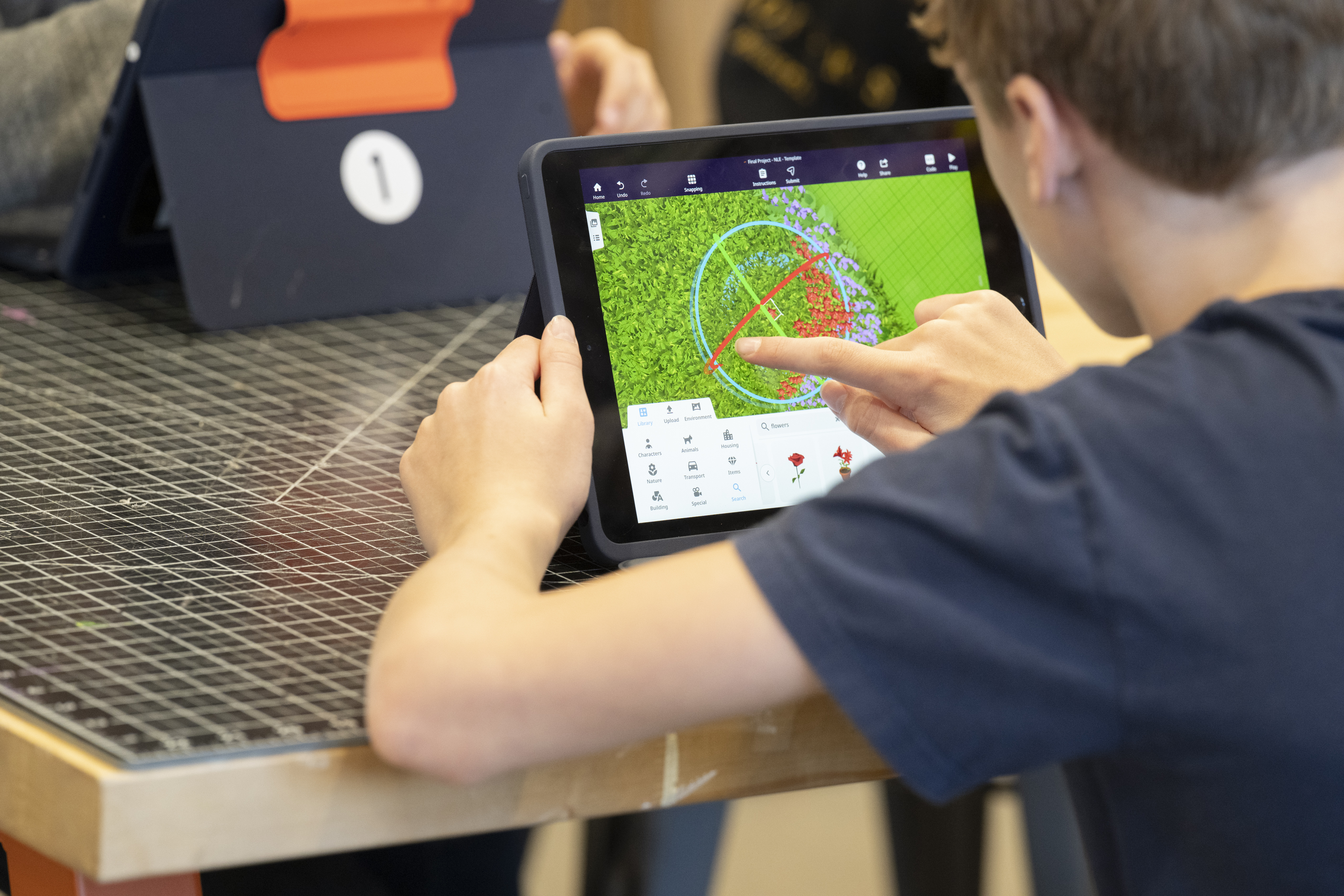
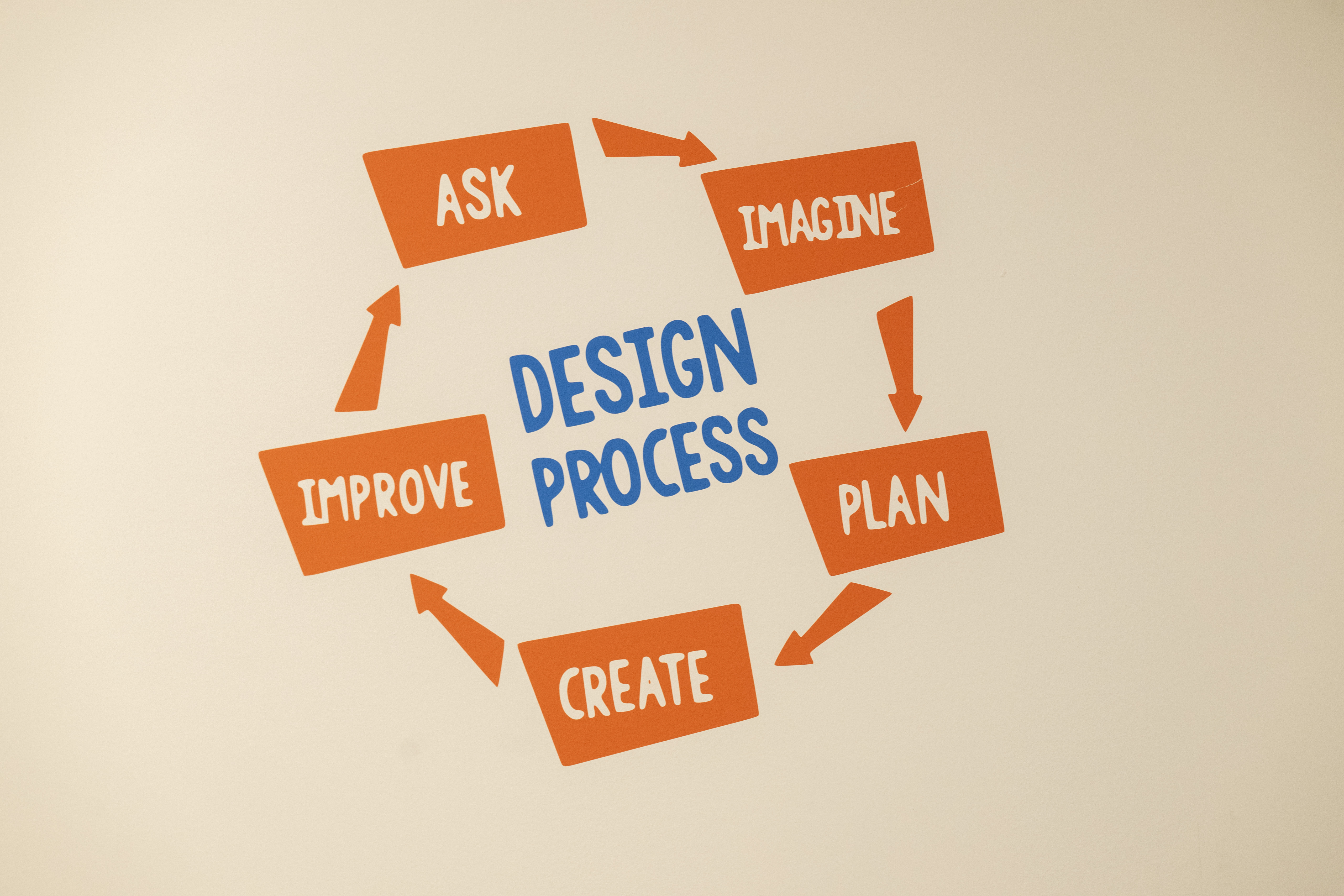
One highlight of the Makerspace curriculum: the Design Thinking class offered in the Upper Division each spring semester. For this class, also co-taught by Aaron and Eileen, students interview members of the Park community to identify design problems.
In years past, for instance, students noticed that PreKers and kindergarteners were often too short to find their library cards on the circulation desk. In response, Design Thinking students developed the prototype for a bookshelf that displayed cards at a lower height.
“One of the hardest parts of design thinking is not solving the problem for yourself but for the user,” said Aaron, reflecting on how the library project required students to put themselves in others’ shoes.
On another fact-gathering mission, the Design Thinking cohort heard this sentiment from a Grade 8 teacher: “I don’t mind when kids tip back in their chairs, but I don’t like it when students fall over backward.”
To remedy this hazard, students set out to create a more tip-resistant seating option. They commandeered an average chair and then attempted to add extra legs to increase stability, attacking the challenge with an arsenal of PVC pipe, duct tape, and a healthy dose of hot glue. The crew experimented with adding one additional leg or two, and then tip-tested their prototypes in an area padded with pillows for safety.
Testing and re-testing tricked-out chair prototypes epitomizes the trial-and-error approach central to the Makerspace philosophy. In the Makerspace, students work iteratively. They try out ideas, see what works and doesn’t work, adjust, and then try again. They are learning how to receive and incorporate feedback, to be patient with the design process, and to resist the impulse to rush through a project quickly just to “check a box.”
“It’s a big thing in design thinking, the idea of getting feedback and iterating again,” said Aaron.
Another key lesson taught in the Makerspace: the benefits of taking risks and being open to failure. Aaron proudly, and very intentionally, displays a sign that reads, “Mistaker Space” in his hands-on classroom.
“It’s really important to emphasize that for kids,” Aaron says. “Sometimes your best teacher is your mistakes. We need to normalize that and realize that [because of what we learn from mistakes], we can build better.”
By: Caitlin Rimshnick, Park Perspectives Co-Editor
#TheParkSchoolMA #ParkSchoolExcellence #ItAllStartsatPark #ParkSchoolCommunity


_11zon.jpg&command_2=resize&height_2=85 "Small Ideas that Build Something Special")